The Complete Guide to Choosing a Therapy EHR

Running a private practice involves more than seeing clients—you also need to manage scheduling, billing, and records securely. That’s where an Electronic Health Record (EHR) system comes in.
As the How to Start a Private Practice: Ultimate Guide & Checklist explains, choosing the right EHR is crucial. It will become the essential communication, scheduling, and financial hub of your practice. In this article, we’ll cover the must-have features, pitfalls to avoid, and one highly recommended option for therapists.
What Is an EHR and Why Therapists Need One
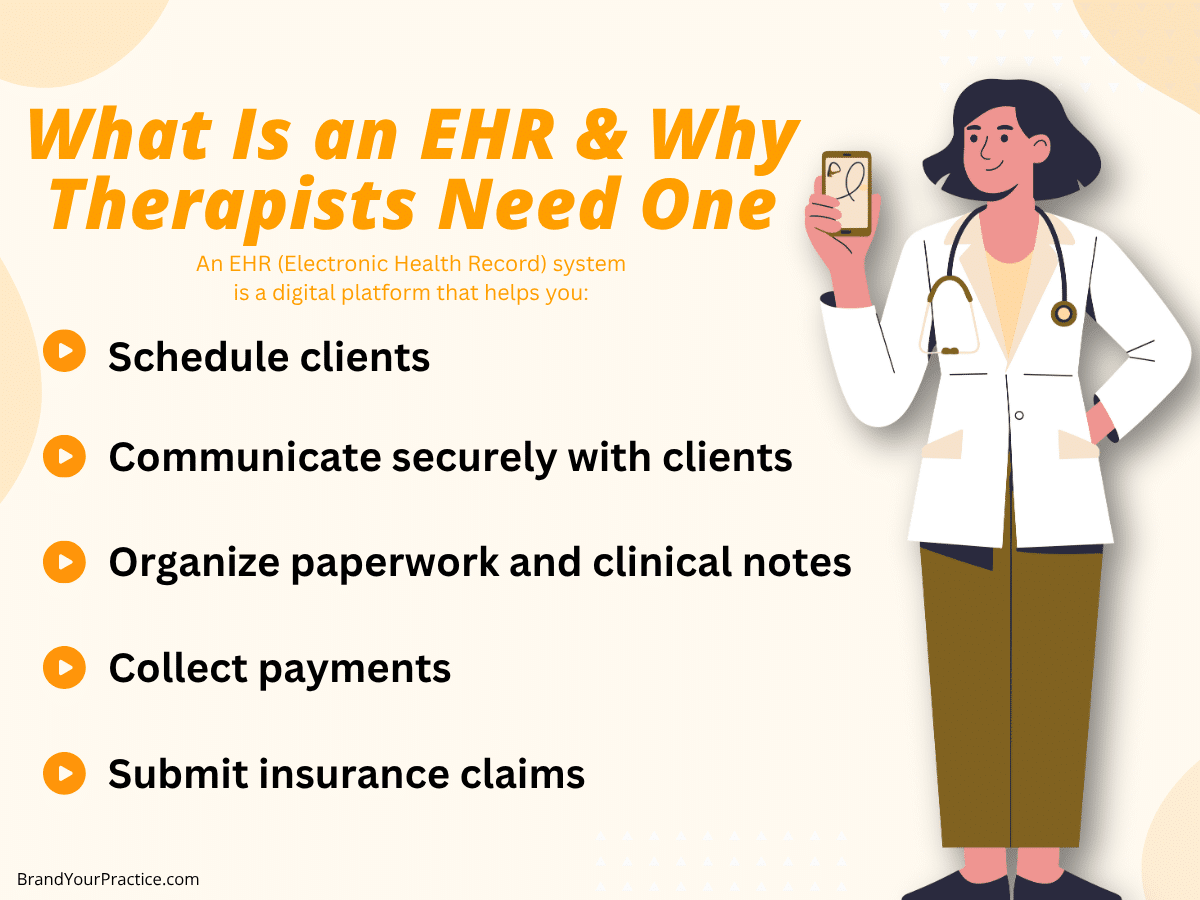
An EHR (Electronic Health Record) system is a digital platform that helps you:
- Schedule clients
- Communicate securely with clients
- Organize paperwork and clinical notes
- Collect payments
- Submit insurance claims
In short, your EHR centralizes the business side of your practice. Done right, it can cut your paperwork by 80% - saving time, money, and stress.
Essential Features of a Good EHR
When evaluating EHRs, focus on these four critical features:
1. Payment Collection & Insurance Claims
Your EHR should handle both private pay and insurance seamlessly. Look for:
- Credit card, debit, and HSA card processing (via Stripe, PayPal, or similar).
- A simple, reliable system for submitting insurance claims and tracking reimbursements.
2. Financial Stability of the Company
The last thing you want is to build your practice around an EHR that goes out of business. Here’s a quick way to gauge whether an EHR company is well funded:
- Do they have a careers page with active job postings?
- Do they publish a product roadmap (showing ongoing feature development)?
- Is their website professional and up-to-date?
- Do they maintain a blog or create high-quality content?
If the answer is “yes” to most of these, chances are they have the resources to be around long term.
3. HIPAA Compliance
This one’s non-negotiable. Your EHR must protect client data and comply with HIPAA regulations. Don’t settle for anything less.
4. Seamless Scheduling
Scheduling can be a massive time-waster if not handled properly. Your EHR should make scheduling simple for you, your intake coordinator, and your clients. Some platforms also offer online scheduling options, which clients increasingly expect.
Common Mistakes to Avoid
It’s tempting to trust whatever a sales rep tells you, but don’t. As one clinician learned the hard way: being overly trusting of the sales associate was their first mistake.
Always test-drive the software yourself, read user reviews, and make sure it fits your practice’s specific workflow before committing.
HIPAA Compliance and Data Security
While it seems obvious, it’s worth emphasizing again: HIPAA compliance is non-negotiable. Ensure your chosen EHR uses encryption, secure data storage, and proper access controls. This protects both your clients and your practice.
Recommended EHR for Therapists
Pro Tip: SimplePractice (affiliate) checks nearly every box for therapists.
It’s reliable, well-funded, HIPAA-compliant, and offers robust features for scheduling, billing, and insurance claims. Many practice owners (including all of my partnership clients) use SimplePractice and ❤️ it.
While no EHR is perfect, SimplePractice is an excellent starting point if you want an all-in-one solution.
90% of my marketing clients use Simple Practice.
How to Choose the Best EHR for Your Practice
When narrowing down your options, ask yourself:
- Does this EHR simplify scheduling and billing?
- Can I trust this company to be around for the long haul?
- Will this system grow with my practice?
The right EHR should free you up to focus on what you do best - serving your clients.
Choosing an EHR is one of the most important early decisions you’ll make in private practice. Get it right, and you’ll have a smooth, efficient system to manage the business side of therapy. Get it wrong, and you risk wasted money and administrative headaches.
👉For more step-by-step guidance on setting up your private practice, read the full guide:
How to Start a Private Practice: Ultimate Guide & Checklist